
스티커에 대면 출근Tap the sticker to clock in
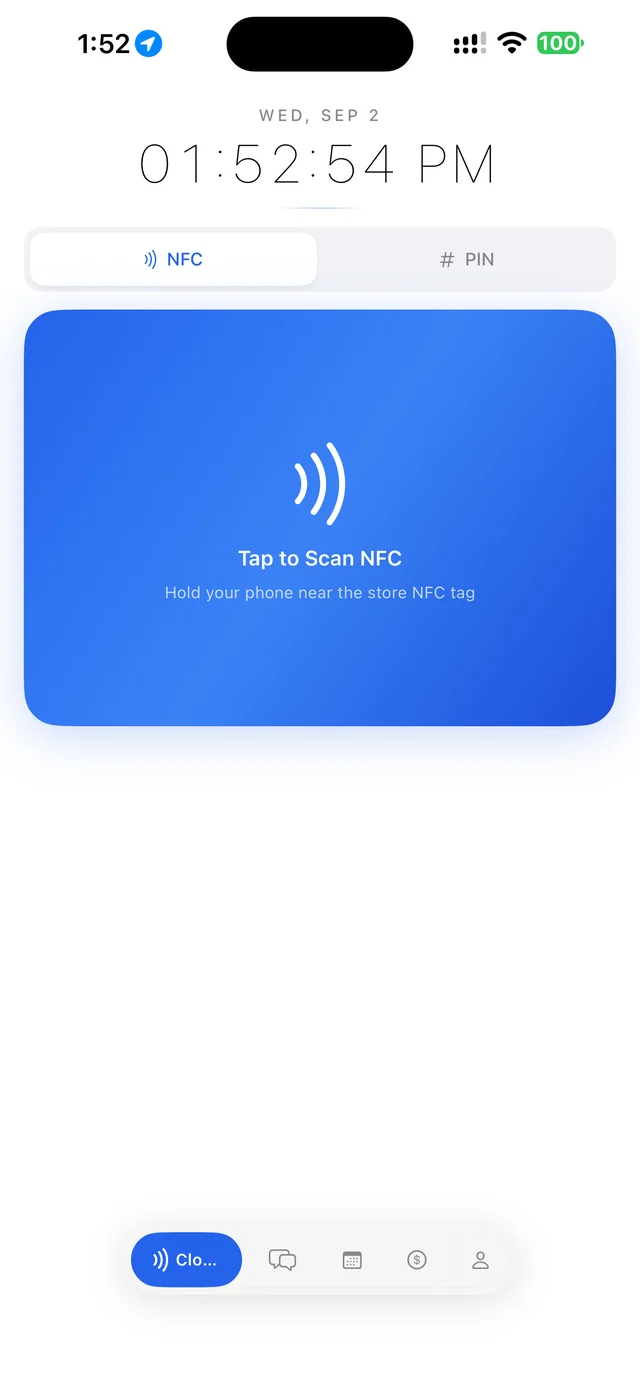
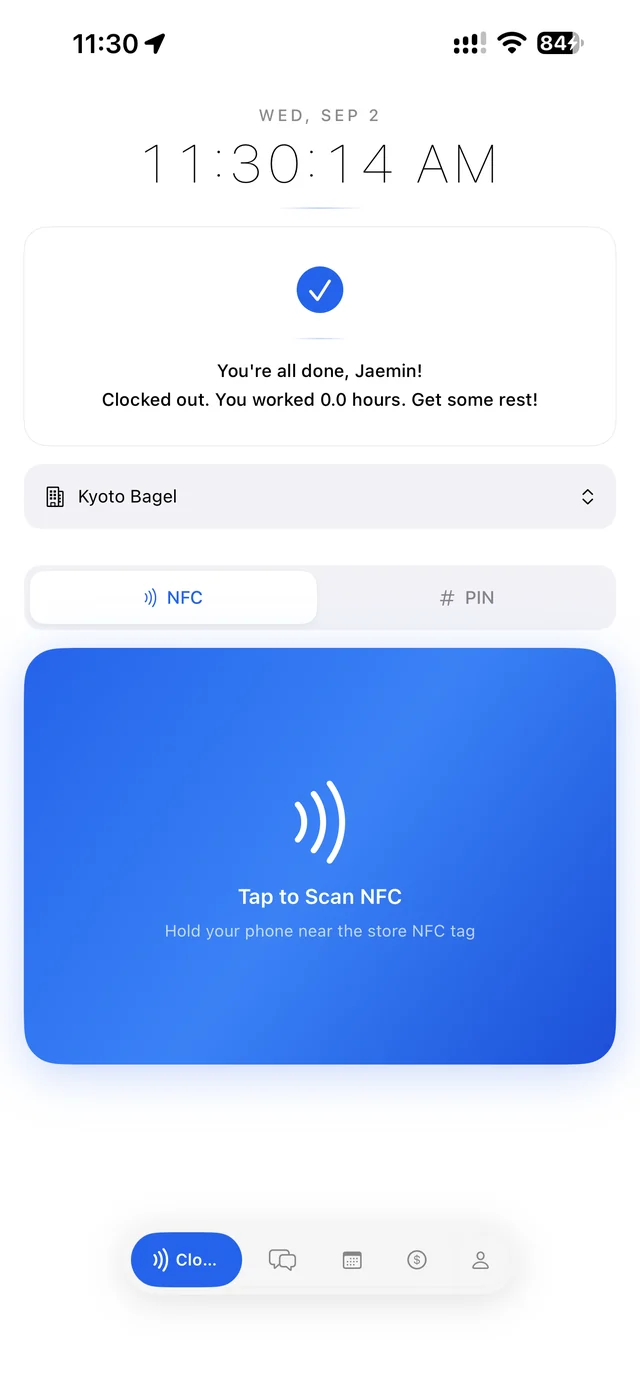
Tap to Scan NFCTap to Scan NFC
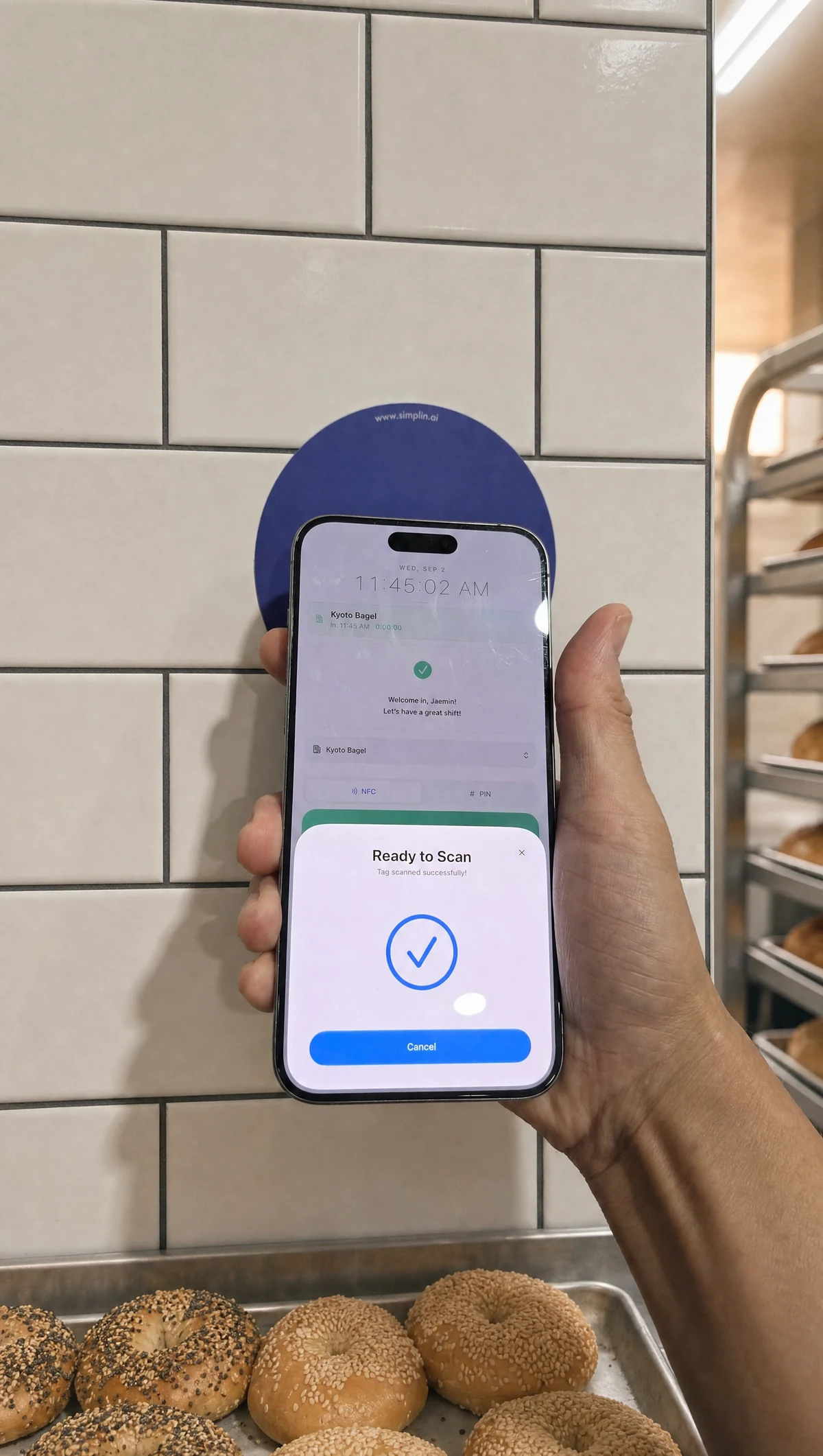
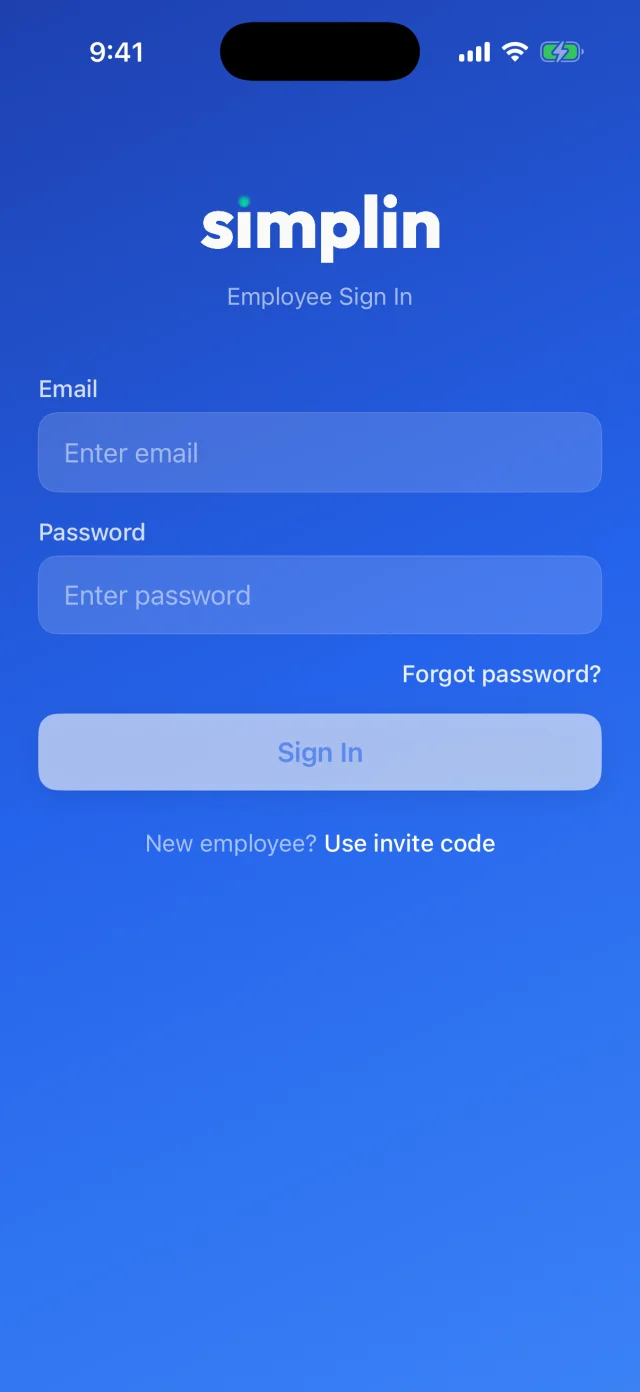
앱을 열면 현재 시각과 파란 NFC 영역이 보입니다. 파란 영역을 누르고 폰 윗부분을 매장 벽의 Simplin 스티커에 갖다 대세요. 1초 안에 인식되고 All set! 메시지와 함께 출근이 기록됩니다.The app opens on the current time and a blue NFC area. Tap the blue area and hold the top of your phone to the Simplin sticker on the wall. It reads in about a second and shows All set! with your clock-in recorded.
위치가 함께 확인됩니다Your location is checked too
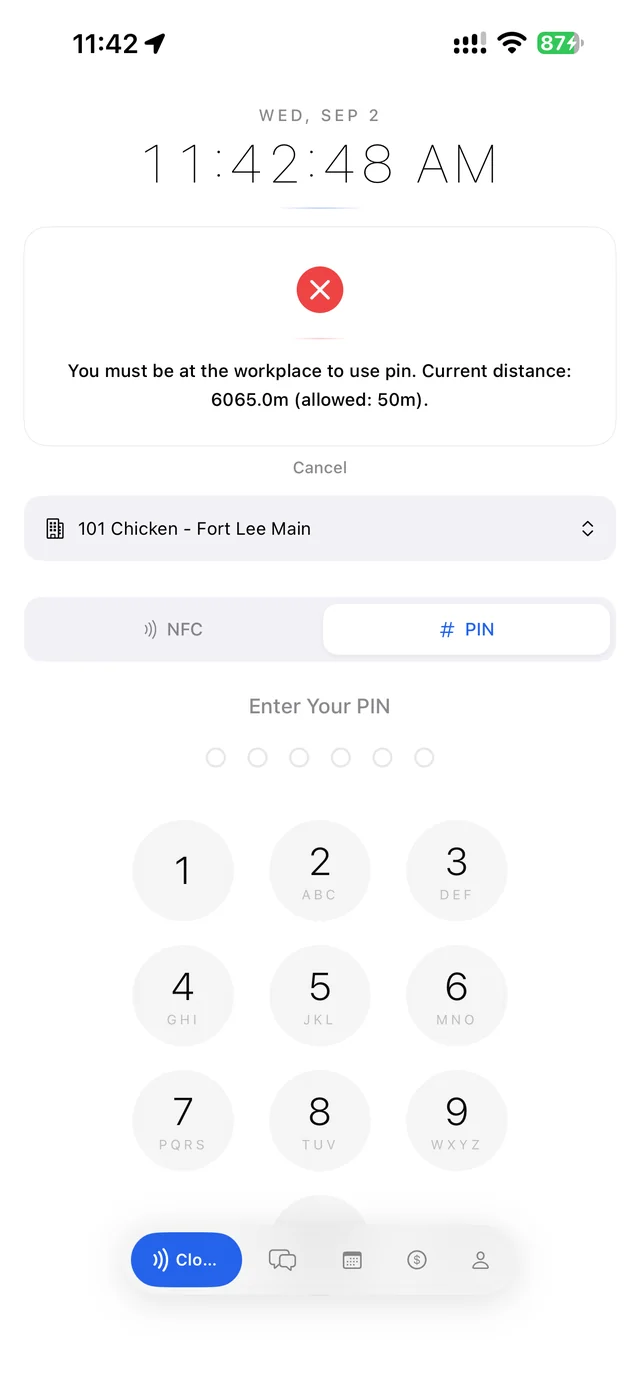
스티커를 찍는 순간 폰 위치가 매장 근처인지 확인합니다. 그래서 위치 권한이 꺼져 있거나 매장 밖이면 기록되지 않고 안내 메시지가 뜹니다. 위치 권한은 설정에서 앱 사용 중 허용으로 두세요.When you tap the sticker, the app checks that your phone is near the store. If location is off or you are away from the store, nothing is recorded and a message explains why. Keep location set to While Using the App.
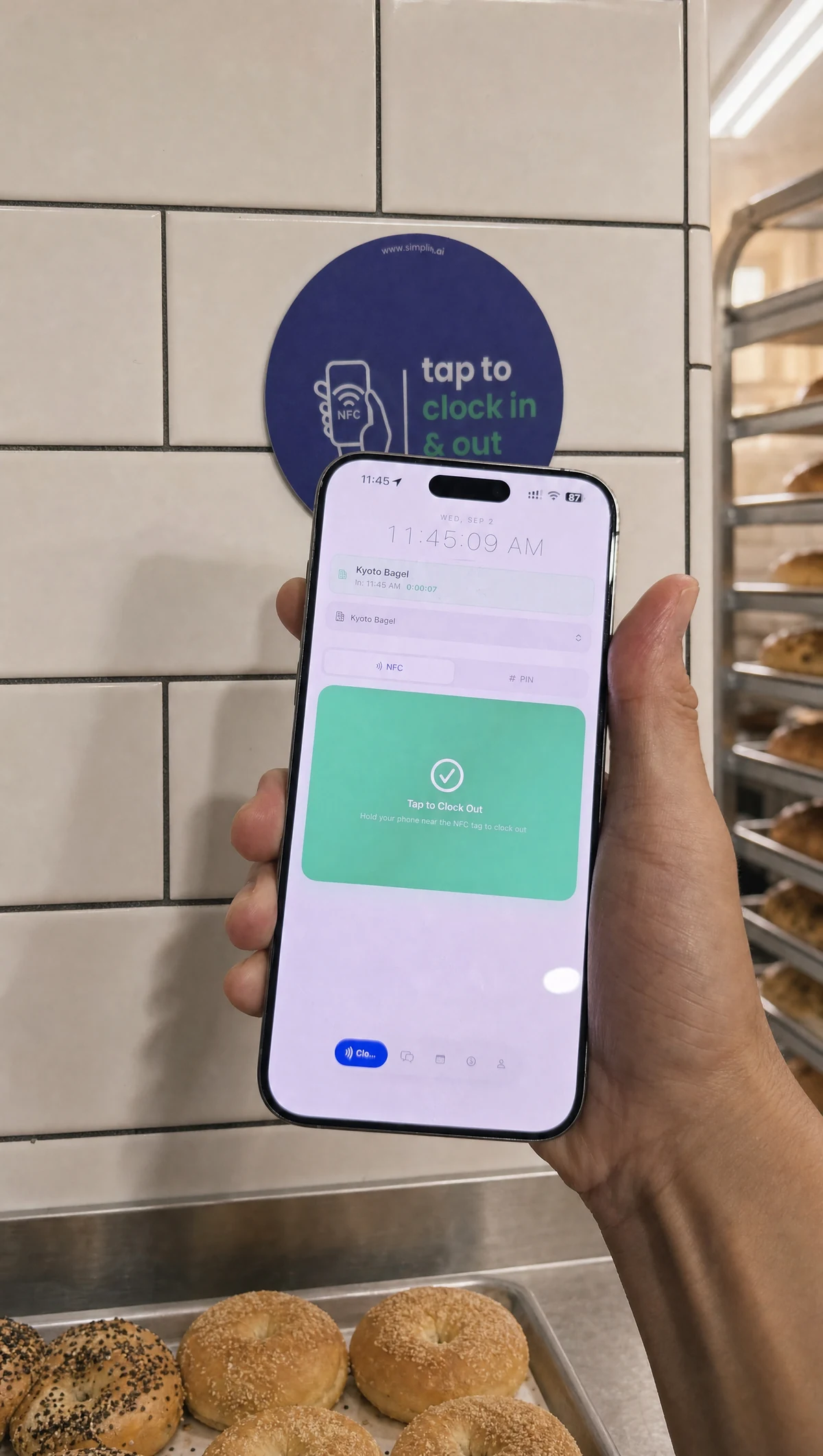
퇴근도 똑같이Clock out the same way
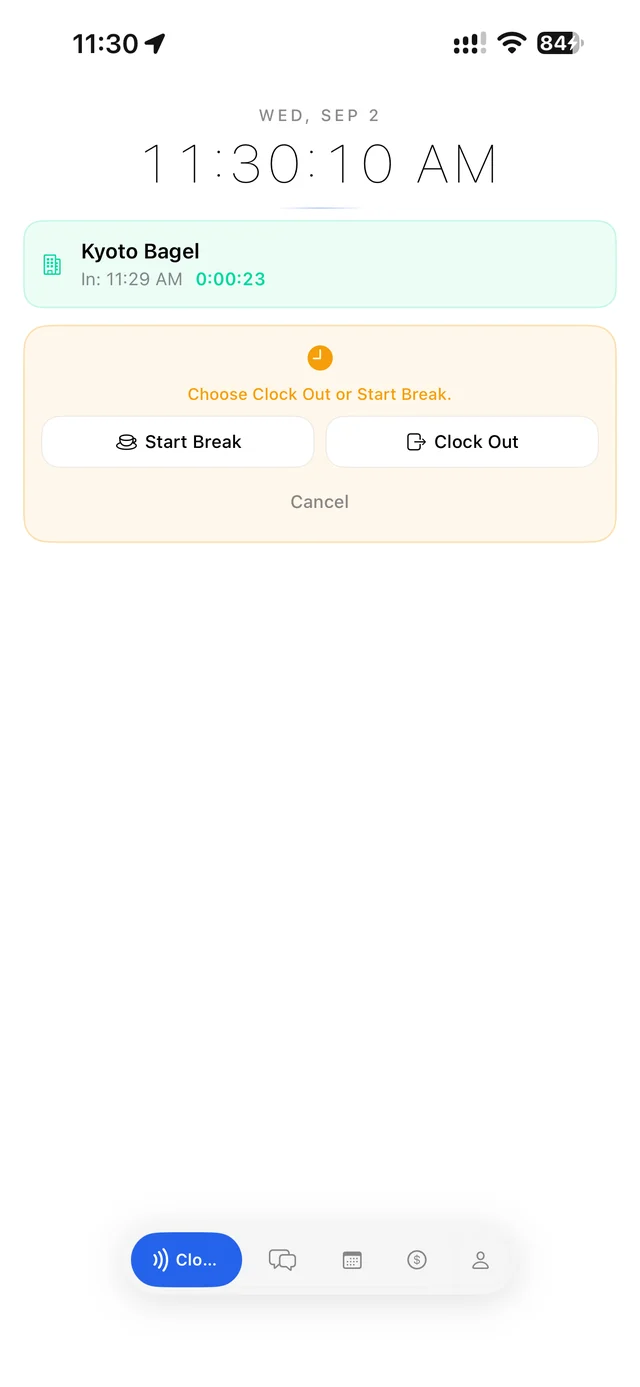
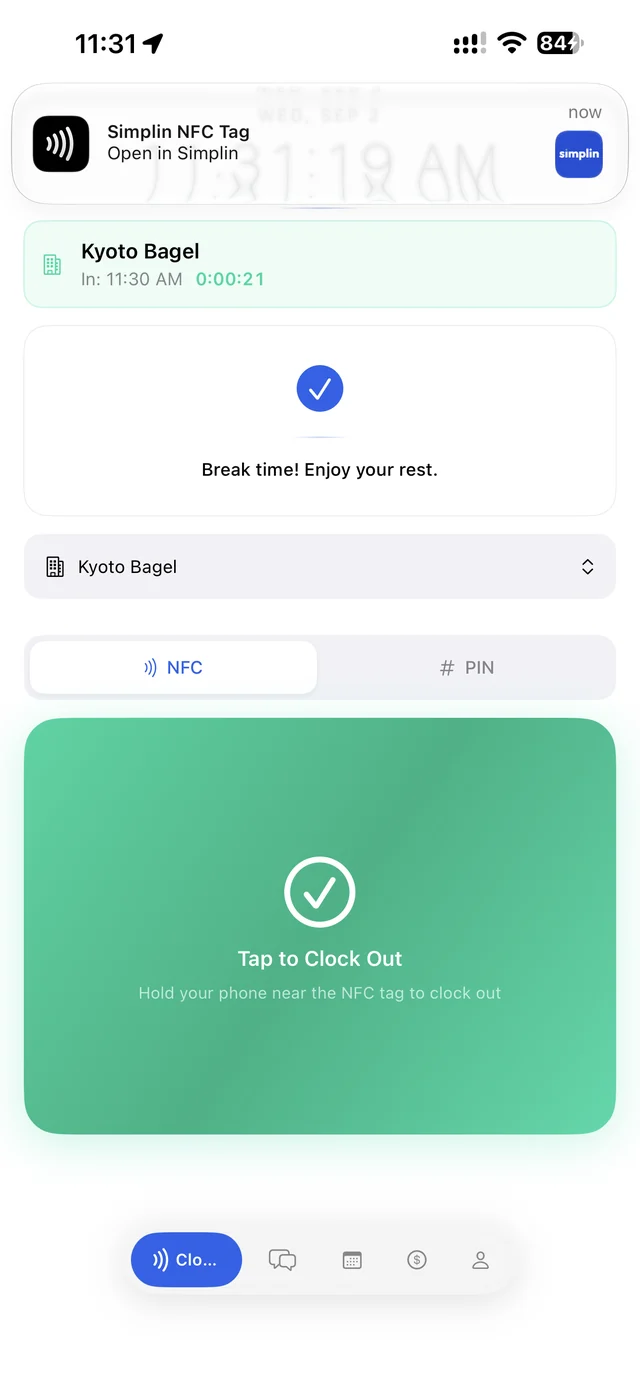
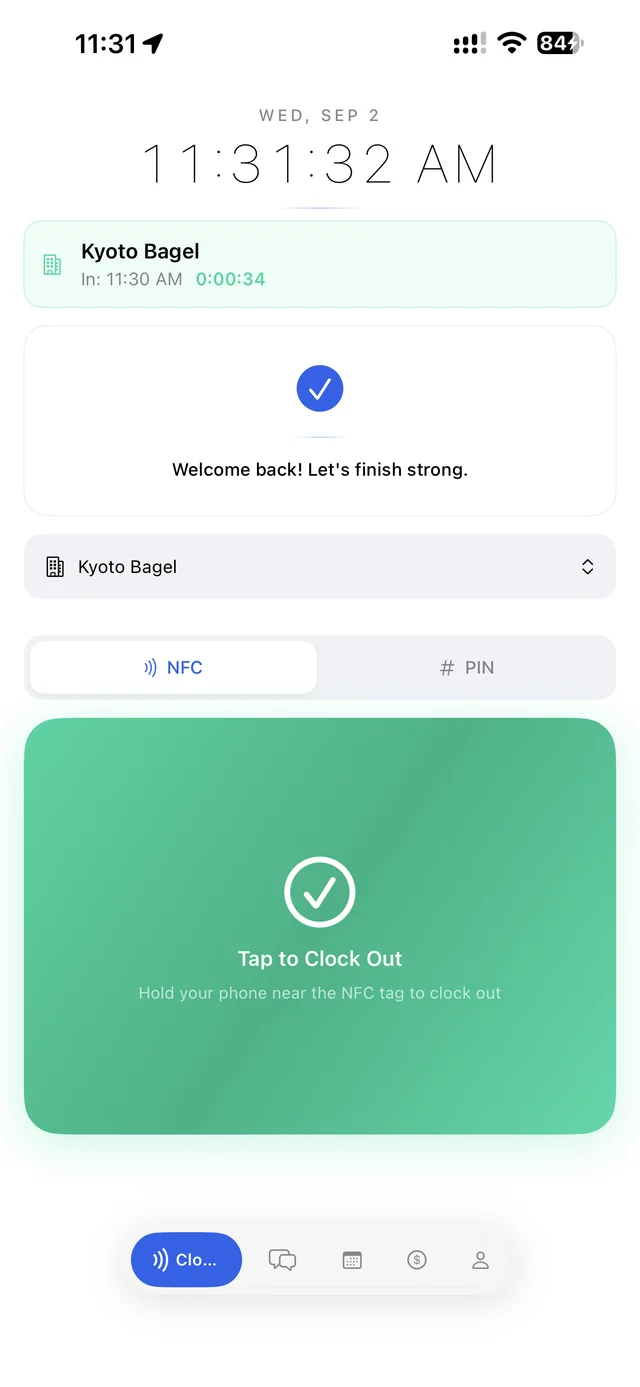
퇴근할 때 한 번 더 갖다 대면 됩니다. 근무 중에는 화면에 출근 시각과 지금까지 일한 시간이 보이고, 태그하면 Clock Out과 Start Break 중에 고를 수 있습니다.Hold the phone to the sticker again when you leave. While you are working, the screen shows your clock-in time and hours so far, and tapping lets you choose Clock Out or Start Break.